
Probably once a year I go looking for a new music app. I download three or four, give each the ol’ college try, and delete most of them within a few days. I’ve done this for years and I have never found one. There’s some nice ones out there but none that I love to use.
The problem is always the same. I don’t listen to music in one big pile and playlists have never been a great way to organize music. I listen to groups… Old school stuff. The current releases I’m working through. The weird records I’m not ready to rank yet or the ones I want to listen to so I can write a review… Every app I tried treats a library as a flat list of albums with a search box, or hands me playlists, which are something else. A playlist is a list of songs.
None of them organized collections in a way that I think they should, so I built my own music app! No Ads, No Bullshit. (But I do plan to offer a one time pro purchase)
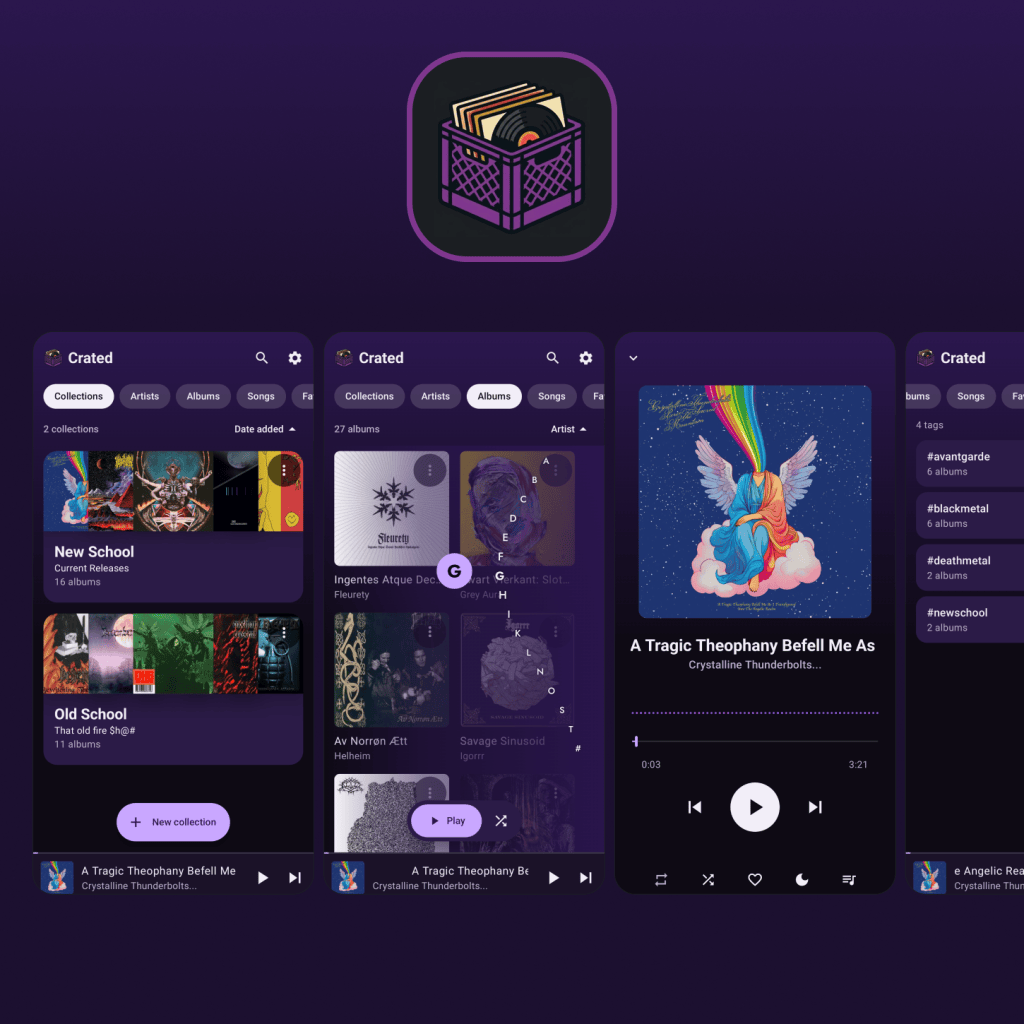
It’s called Crated, and it’s an Android app. You make a collection, drop albums into it, and it builds a fanned cover from them, or you give it your own art. Shuffle songs, or shuffle albums so a record plays through before the next one starts. That’s the whole reason it exists. So far, I’ve put some features in that I think will help to better organize collections and I think it’s worth checking out.
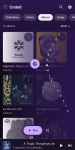
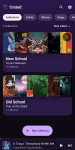
Here are some highlights:
Collections
- Group albums into named collections with a description and a picture.
- Auto-built fanned cover from the albums, or your own art.
- Play or shuffle a whole collection, by song or by album (a record plays through before the next starts).
- Browse a collection’s artists and songs, and keep favorites inside it.
Tags
- Add your own hashtags to albums (#blackmetal, #avantgarde) from the album menu.
- Tags tab, to the right of Playlists, lists every tag with its album count.
- Tag page shows all albums with that tag, with Play and Shuffle.
- Genre-based and existing-tag suggestions in the tag dialog.
- Tags live on your phone and are never written to your audio files.
Browsing
- Tabs for Collections, Artists, Albums, Songs, Favorites, Playlists and Tags. You choose which to show in settings.
- A-Z index on the right edge that bends out into the list as you drag.
- Landscape layouts with a side pane.
Library tools
- File tags viewer shows every tag per song and marks where songs in an album disagree.
- Merge duplicate albums. Tags follow the merged album.
- Artist photos and covers can be fetched from the internet, only if you choose.
Playlists
- Add any song to a playlist from its menu.
Player
- Mini player morphs into the full player.
- Queue, shuffle, repeat, sleep timer, equalizer.
- Gapless playback.
- Lock screen and notification controls (tapping opens the full player), Bluetooth and car buttons.
- Remembers where you left off.
Privacy
- Plays your own files. No streaming, no account, no ads, no tracking.
It is not endlessly customizable. There’s no theme engine and no 40-page settings screen. It looks and behaves the way I decided it should, and if you disagree, that’s fair, you probably want a different app. I’d rather have a few strong opinions than a hundred toggles I never touch.
Crated is in testing now. It’s Android only, and I need people to try it before Google will let me release it to everyone.
If you’ve done your own yearly hunt and come up empty, you might be exactly who I need. Steps are below. It will be paid, one time, no subscription, when it’s out. If you do something with collections that I haven’t thought of yet, tell me. I’m still adding things.
Want to test Crated?
You need an Android phone and a Google account.
- Join the testers group (use the same Google account you use on the Play Store): Join the Crated Testers group
- Open this link and tap “Become a tester”: Become a Crated tester
- Install Crated from Google Play and keep it installed for two weeks. That part matters more than it sounds. Google counts testers who stay opted in.
- Tell me what breaks, or what you’d change. Email: bradleyjcooper@gmail.com
If you can’t join the group, check that you are signed in to Google Play with the same account you used to join it.

Leave a Reply